
WhatsApp Cloud API vs the WhatsApp Business App: Which Does Your Business Need?
Most businesses start on the WhatsApp Business App, and for a while it is exactly right. Then enquiries grow, three people share one phone, a lead is forgotten over a weekend, and someone asks whether it is time for "the API".
This guide explains the difference in plain terms, so you can decide based on how your business works rather than on what sounds more advanced.
The short version
- The WhatsApp Business App is an app your team uses by hand. A person reads each message and types each reply.
- The WhatsApp Cloud API has no app of its own. It lets software receive and send messages, so conversations can be connected to your CRM, your booking system, an AI assistant, or a shared team inbox.
Neither is "better". They solve different problems.
What the Business App does well
The Business App is free, quick to set up, and familiar. It gives you:
- A business profile with your hours, address and website
- A product catalogue
- Quick replies and labels to organise chats
- Simple greeting and away messages
- Access from a phone and a small number of linked devices
If one or two people handle all your conversations and can comfortably keep up, you may not need anything else.
Where it starts to strain
The same simplicity becomes a limit as volume grows. Common signs:
- Enquiries live on one person's phone. When they are off, nobody sees the history.
- Leads are copied by hand. Details are retyped from a chat into a spreadsheet or CRM, or not recorded at all.
- Follow-up depends on memory. Nothing reminds anyone that a quote was sent three days ago.
- The same questions are answered all day. Fees, prices, opening hours, availability.
- You cannot see what is happening. How many enquiries came in this week? How many were answered within an hour? The app cannot tell you.
None of these is a WhatsApp problem. They are process problems the app was never designed to solve.
What the Cloud API changes
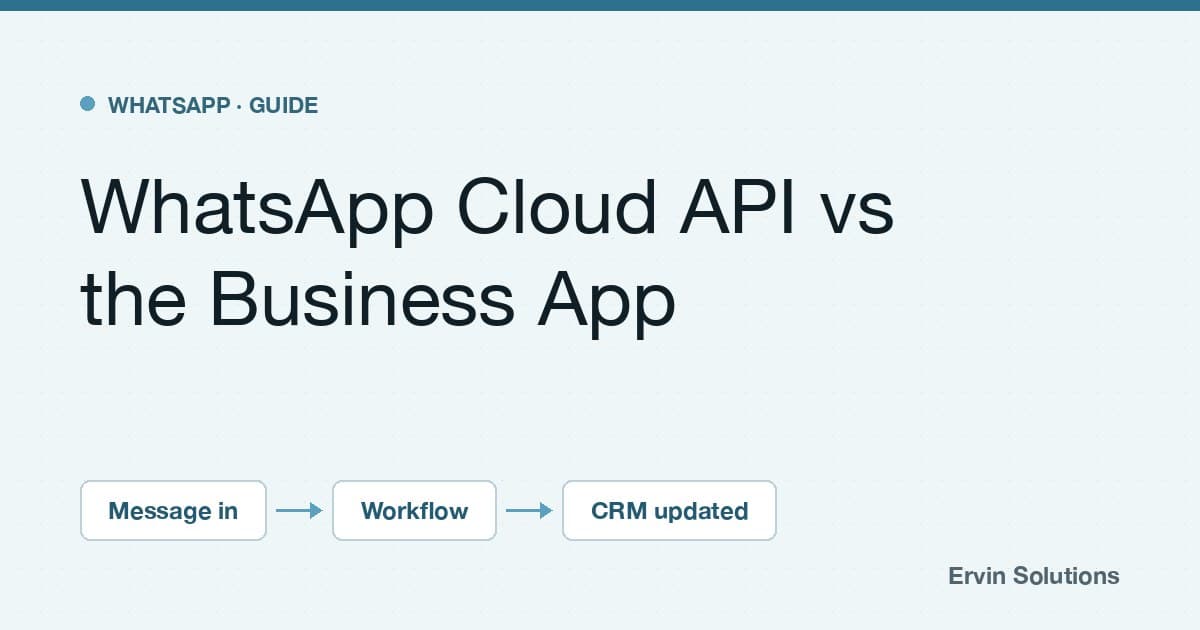
The Cloud API is part of Meta's WhatsApp Business Platform, and it is hosted by Meta. Instead of a person opening an app, your software is notified the moment a message arrives and can decide what happens next.
That makes these things possible:
- Automatic first replies that are actually useful, such as asking a property buyer for their budget and preferred area
- Lead capture, where every enquiry is saved to your CRM with the answers attached
- Routing, so the right salesperson or department is notified
- Bookings and reminders connected to your calendar
- Order and payment updates triggered by your shop or payment system
- AI assistants that answer from your approved information and hand over to staff
- A shared inbox for a whole team on one number, with a record of who replied
The differences that matter in practice
| Business App | Cloud API | |
|---|---|---|
| Who replies | A person, by hand | Software, people, or both |
| Team access | A phone and a few linked devices | As many agents as your inbox tool supports |
| Automation | Greeting, away and quick replies | Any workflow you build |
| CRM and system connections | None | Yes, through integrations |
| Messaging first | Free-form, to people who have your number | Approved templates, to people who opted in |
| Cost | Free | Meta charges for template messages; your tools and build are separate |
| Interface | The app | You choose: a team inbox, your CRM, or a custom screen |
Three things people often get wrong
1. "The API is just a more powerful app"
It is not an app at all. If your team needs somewhere to read and answer chats, that inbox is a separate piece of the setup. Some businesses use an off-the-shelf inbox, some use their CRM, and some need no inbox because the workflow handles everything and escalates to a phone call.
2. "We can message anyone we like"
On the Cloud API, a conversation the customer starts opens a customer service window. During that window you can reply freely. To message someone outside it, you need a template that Meta has approved, and the customer should have agreed to hear from you. Templates fall into categories such as marketing, utility and authentication.
This is a feature, not an obstacle. It is a large part of why WhatsApp remains a channel people still read.
3. "It will cost a fortune"
Meta charges per delivered template message, with rates that depend on the category and the recipient's country. Replies inside the customer service window are not charged at the time of writing. Meta updates its pricing periodically, so check the current rate card before you budget.
For most businesses the larger costs are the build and any tools you add, not the messages. Those should be weighed against what a missed lead is worth.
What about your existing number?
This is the question to settle before anything else. Historically a number moved to the API could no longer be used in the Business App. Meta now offers ways for some businesses to use both on the same number, but eligibility depends on your setup and region.
Check this first. It decides whether your team keeps working as it does today while automation is added around it, or whether you plan a clean switch.
How to decide
Stay on the Business App if:
- One or two people handle every conversation comfortably
- You rarely lose track of an enquiry
- You have no CRM or system you want conversations connected to
Look at the Cloud API if:
- Several people need to work from one number
- Leads are being copied by hand, or lost
- You want enquiries qualified before a person gets involved
- You need bookings, order updates or reminders to happen without someone remembering
- You want to know your response times and enquiry volumes
A sensible way to start
You do not have to automate everything at once. The projects that work best begin with a single path, for example: an enquiry arrives, three questions are asked, the lead is saved, and a salesperson is notified. Once that runs reliably, the next step is added.
If you are unsure which side of the line you are on, our automation audit is a 30-minute review of how enquiries move through your business today. You can also read more about how we set up the WhatsApp Cloud API.

Builds WhatsApp Cloud API integrations, AI assistants and workflow automation for businesses.
Published Oct 7, 2026LinkedIn